

/ Features
Features explained
Insights
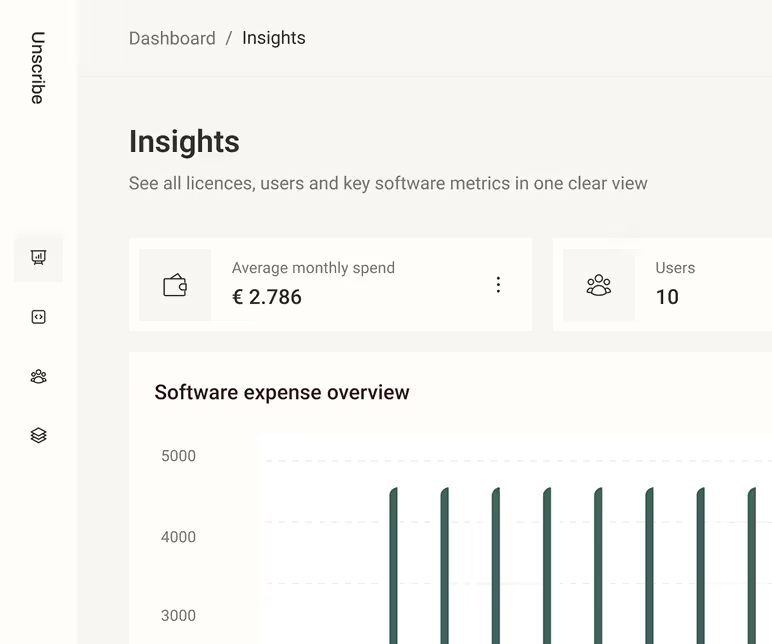
Insight displays key SaaS metrics — including costs, active users, subscriptions, and licences — in one central view for easy monitoring and analysis.
Matrix Maps
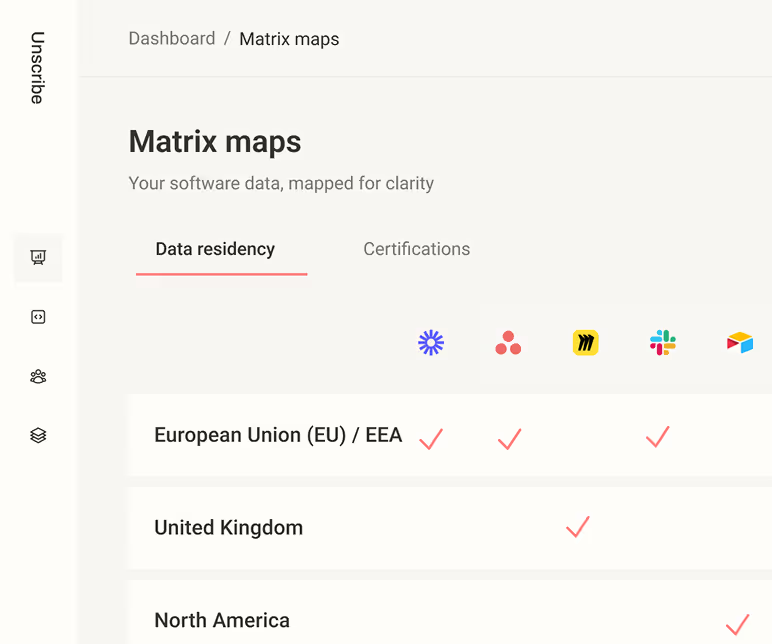
Matrix maps displays software certifications (like SOC 2) and data residency locations (e.g., EU or US), giving you a quick overview of compliance.
Software Catalog
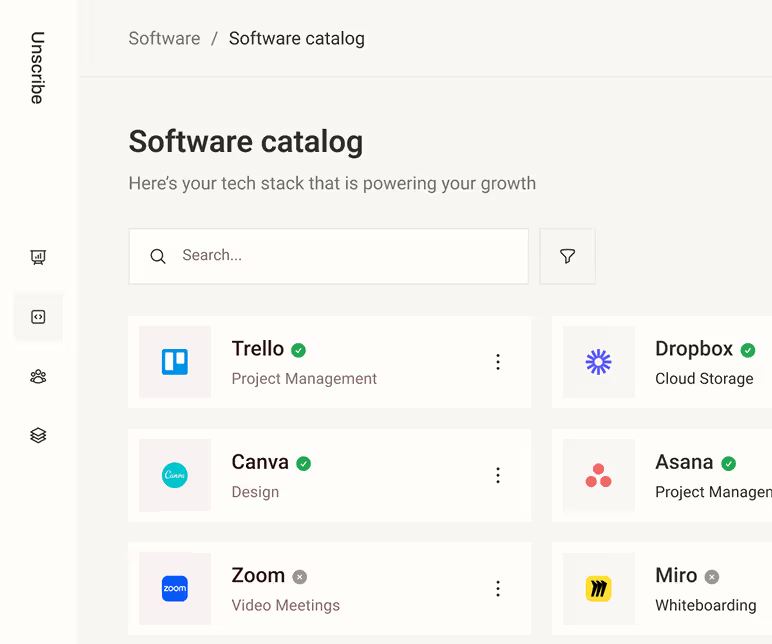
Software Catalog is a central list of approved tools employees can choose from, making it easy to find available software and avoid duplicate purchases.
Subscriptions
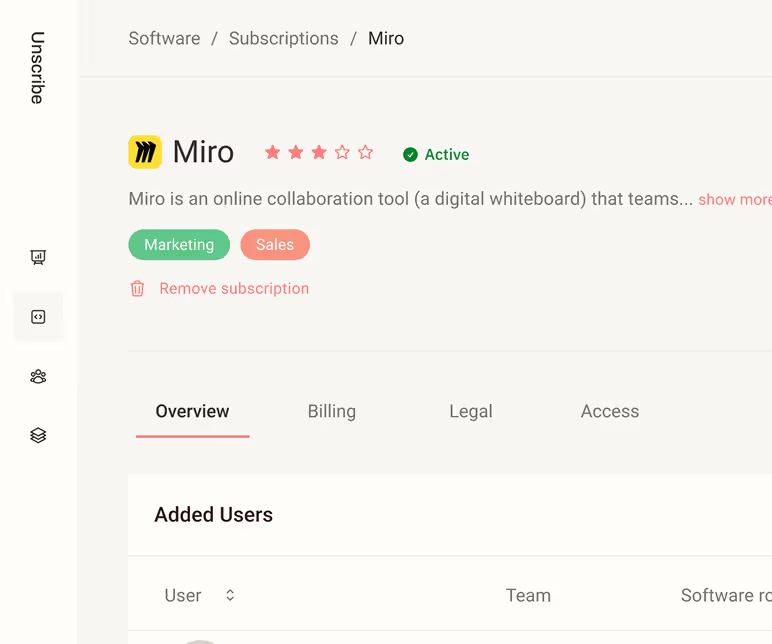
Subscriptions is where you manage your software subscriptions — track licences, link payments, set important dates and connect users.
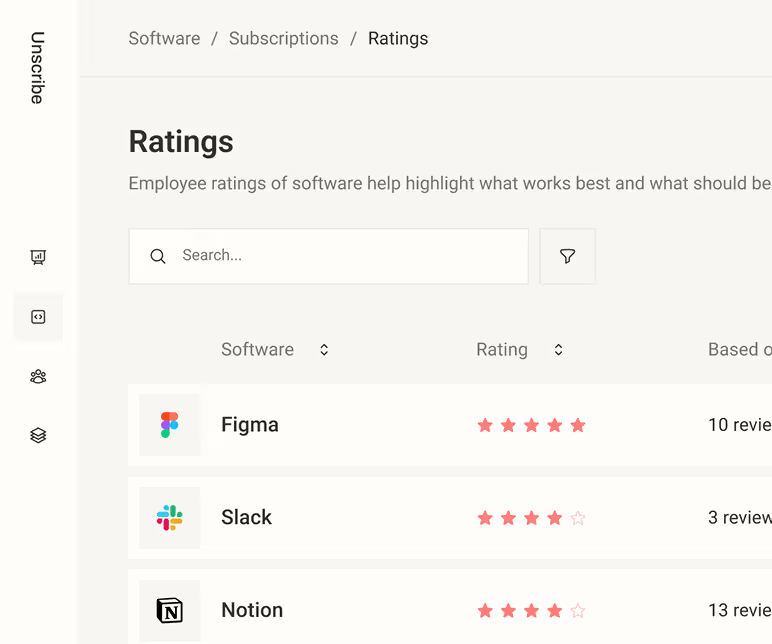
Ratings
Ratings lets employees rate the software they use so you can keep the best tools and improve overall employee experience and satisfaction.
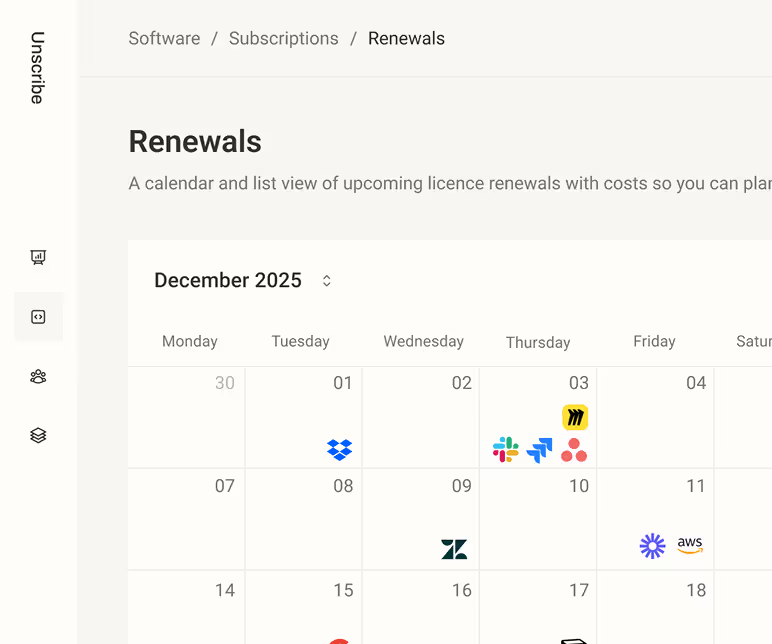
Renewals
Renewals shows a visual calendar of upcoming software licence renewals, and their costs, helping you stay on top of what’s coming due.
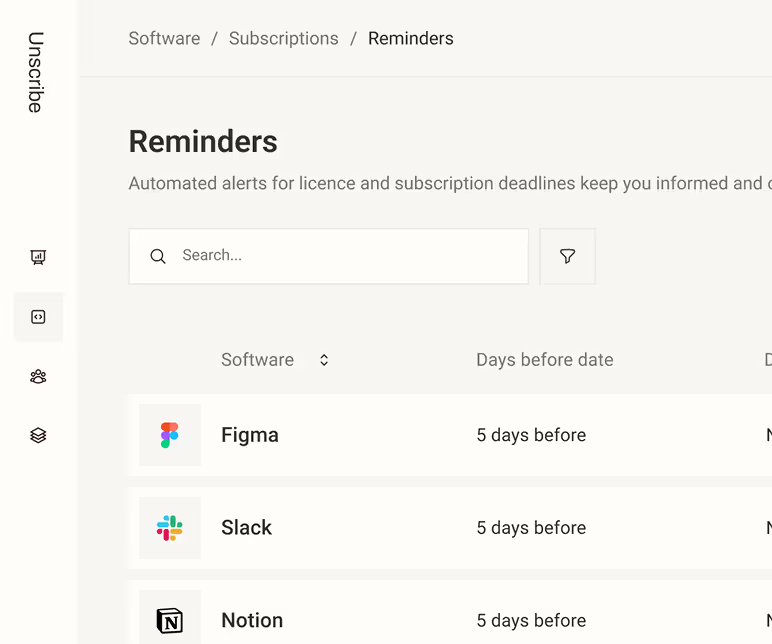
Reminders
Reminders lets you set automated alerts for upcoming licence and subscription dates, so you stay informed about renewals and key deadlines.
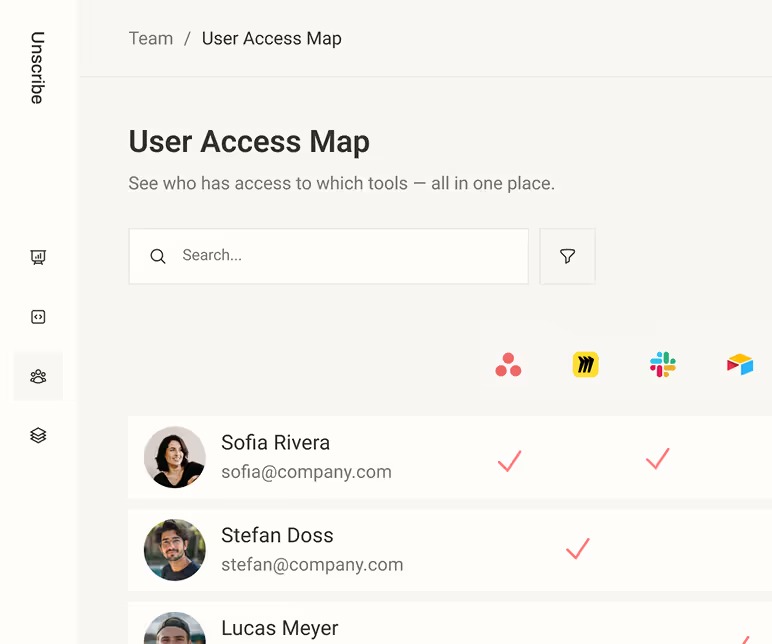
User Access Map
User Access Map shows a matrix of employees and the software licences they hold, giving a clear overview of who has access to what.
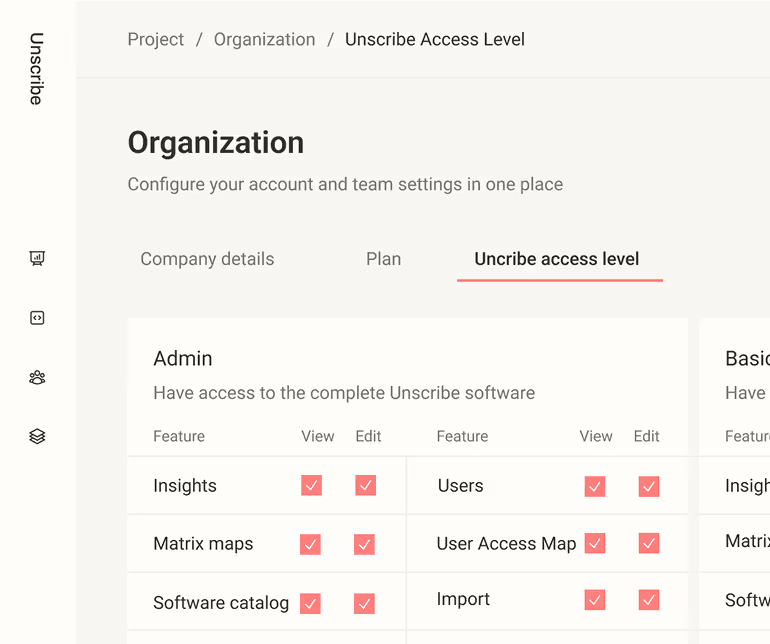
User Levels
User levels define what users can access in Unscribe and who’s responsible for each software — assigning roles for platform permissions.
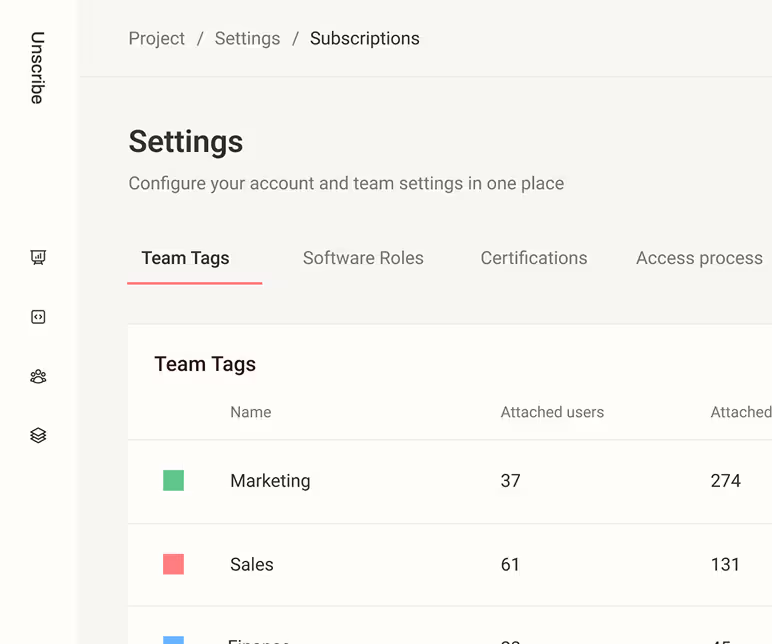
Teams
Teams groups people, assigns responsibility for software, and divides associated costs by team so ownership and spending are clear.
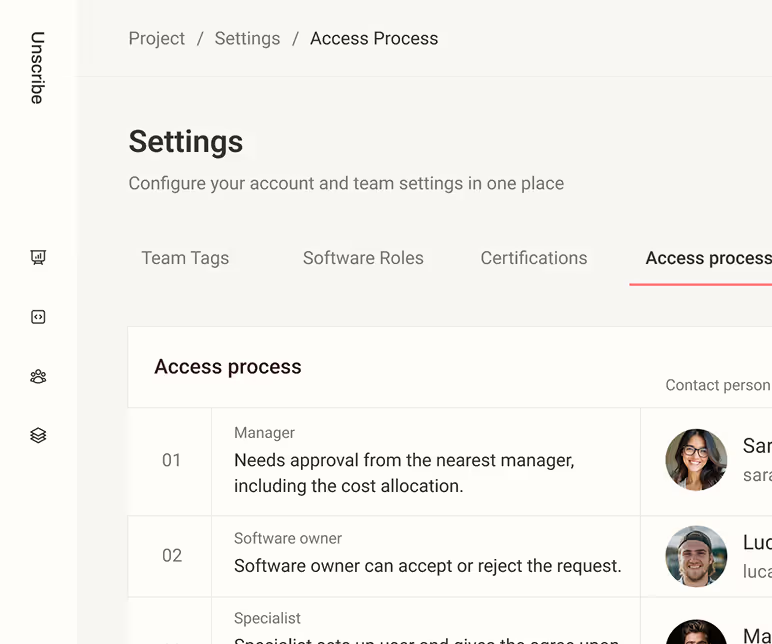
Access Process
Access Process is a defined workflow for requesting and approving software access, using preset roles and approvers so employees know who to contact.